Oct 30, 2026
Static vs Dynamic QR Codes: Which One Should You Print?
Static vs dynamic QR codes explained: how each works, the honest trade-offs, and which to print for menus, flyers, signs, packaging and events.
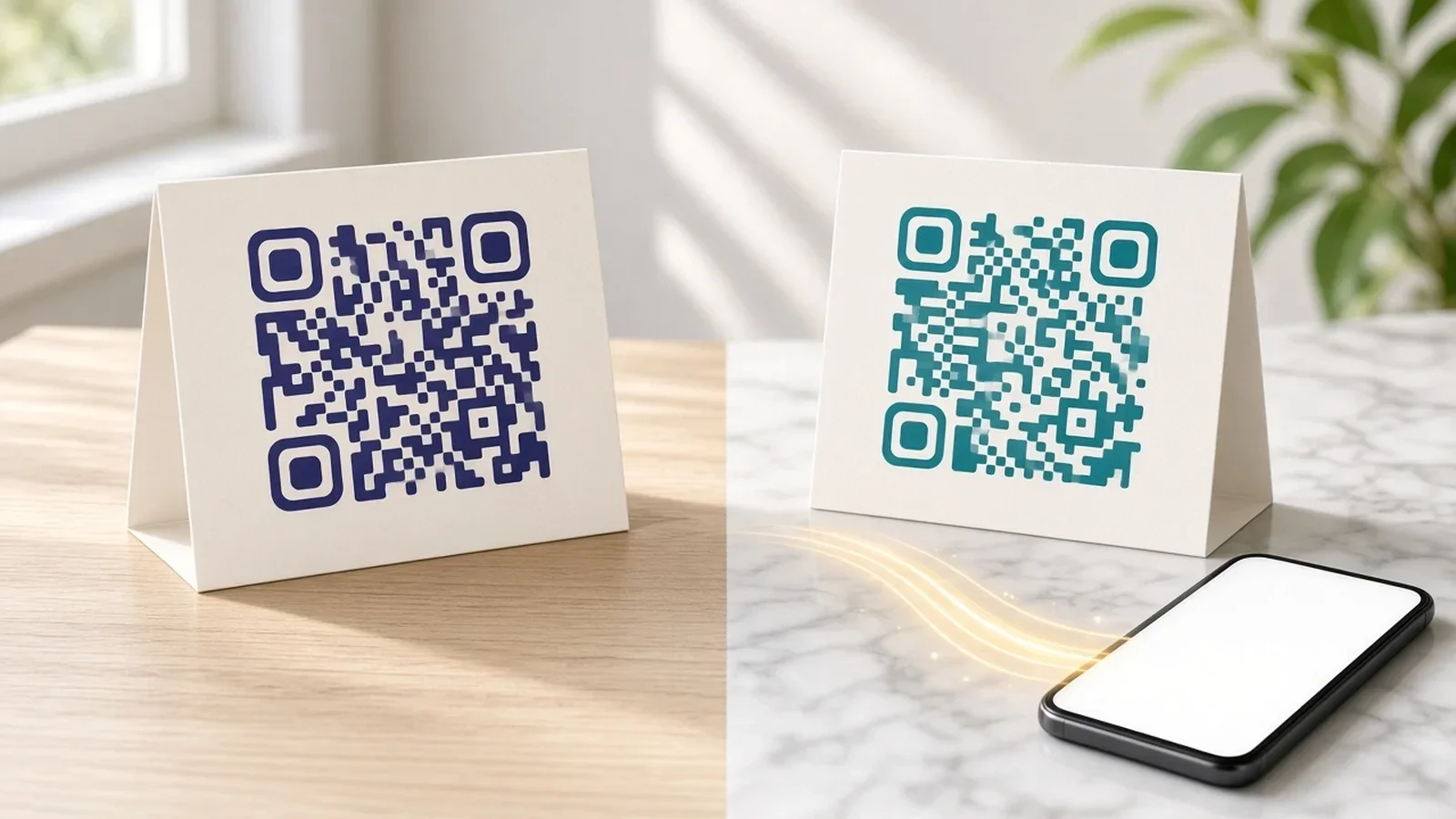
You have a menu, a poster, a business card or a product box ready to go to print, and the QR tool asks a question that sounds technical: static or dynamic? It matters more than it looks. The choice decides whether you can fix a mistake after printing, whether you can tell if anyone scanned, and whether the code keeps working years from now if you stop using the tool that made it.
This guide explains the difference between static and dynamic QR codes in plain language, walks through the honest trade-offs of each, and helps you pick the right one for the thing you are about to print.
What is a static QR code?
A static QR code stores its content directly inside the pattern. If you make a static code for a website, the full web address is encoded in the black and white modules themselves. When a phone scans it, the phone reads that address and opens it. Nothing sits in between.
That simplicity has real advantages:
It never depends on a service. No account, no subscription and no server is needed for the code to keep working. If the tool that generated it disappears tomorrow, the code still scans.
It works offline for offline content. A Wi-Fi login, a contact card or a short piece of plain text is read straight from the pattern, without any internet lookup.
It is private by design. Because the scan goes straight to the destination, no third party records that it happened.
The trade-offs are just as real:
You cannot change it. The destination is baked in. If the link breaks, the menu moves to a new address or you spot a typo after printing, the only fix is a new code and a reprint.
You get no data. A static code cannot tell you how many people scanned it, from where, or on what device.
Long content makes a dense pattern. The more you encode, the more modules the code needs. A long web address produces a busier pattern that is harder to scan when printed small or viewed from a distance.
What is a dynamic QR code?
A dynamic QR code stores a short link instead of the final destination. When someone scans it, the phone opens that short link, and the QR service instantly forwards the visitor to wherever you have told it to send them. The printed pattern stays the same; the destination behind it can change whenever you like.
That one extra step unlocks several things a static code cannot do:
Edit after printing. Swap the lunch menu for the dinner menu, point last month's flyer at this month's offer, or fix a broken link without touching anything that is already on the wall.
Pause or retire a code. When a promotion ends, you can disable the code or send it somewhere sensible instead of leaving people on an expired page.
See scan analytics. Because every scan passes through the short link, the service can count scans and show general information such as country, device type, browser and language.
Cleaner patterns. A short link takes fewer modules than a long address, so the code is usually easier to scan and leaves more room for design and a logo.
And the honest downsides:
It depends on the provider. The redirect only works while the service that hosts the short link is running and your code is active. If the account lapses or the provider shuts down, the code can stop working.
It needs an internet connection. The phone has to reach the short link before it reaches the destination.
Terms vary between tools. Some generators offer dynamic codes only as a trial or on a paid plan, and some deactivate codes when a subscription ends. Read the terms before you print thousands of copies.
Static vs dynamic QR codes: the key differences
Here is the comparison side by side, point by point:
Where the content lives: static stores it in the pattern; dynamic stores a short link that redirects to the content.
Editing after printing: static, no; dynamic, yes, as often as you need.
Scan tracking: static, none; dynamic, scan counts and general visitor information.
Pausing or disabling: static, not possible; dynamic, yes.
Dependence on a service: static, none; dynamic, relies on the provider staying active.
Internet needed to scan: static, only if the content itself is a web page; dynamic, always.
Pattern density: static gets denser as content grows; dynamic stays compact because the link is short.
Privacy: static involves no middle step; dynamic passes each scan through the provider, so check what it collects.
Best for: static suits content that will never change; dynamic suits anything printed for marketing, operations or a campaign with an end date.
When a static QR code is the right choice
Static codes are not old-fashioned. For some jobs they are simply the better tool. Reach for static when:
The content genuinely never changes. A guest Wi-Fi login you have no plans to rotate, a personal contact card, a serial number or a short instruction printed on equipment.
The code must outlive any account. Engraved signs, permanent plaques, packaging with a long shelf life, or anything where you cannot risk a service ending.
It needs to work without internet. Wi-Fi joining, contact details and plain text are read directly by the phone.
You do not need to know who scanned. If measurement adds nothing to the decision you are making, there is no reason to add a redirect.
One tip: if you go static for a website, keep the address short and make sure the page will stay at that exact address for as long as the code is in circulation.
When a dynamic QR code is the right choice
For most business printing, dynamic is the safer default. Choose dynamic when:
The link might move. Menus, price lists, event schedules, property listings and booking pages change more often than people expect.
You are spending money on print. Table tents, window decals, brochures and packaging are expensive to redo. Being able to repoint a code protects that investment.
You want to know whether it worked. Scan data tells you which poster, flyer or location is pulling its weight, so you can put more effort where people actually respond.
The campaign has an end date. When the offer finishes, you can redirect the code to your main page or pause it, rather than sending people to a dead link.
You do not have a website yet. Some dynamic tools can host a simple landing page or digital card for you, so the code has somewhere useful to go from day one.
Real-world examples by industry
Restaurants and cafés
A table card linked to a menu is a classic case for dynamic. Prices, specials and seasonal dishes change, and reprinting every card each time is wasteful. A dynamic code lets you update the menu file or page behind the same card. Your guest Wi-Fi card, on the other hand, can be static if the password stays the same.
Clinics and healthcare
Appointment booking pages, patient forms and opening hours change from time to time, so dynamic codes on reception signage make sense. Keep scan tracking modest and transparent, and only send patients to pages you control.
Real estate
A sign outside a property can point to the listing while it is for sale, then to a "sold" page or your agency profile afterward. Scan data also shows which signs and flyers generate interest.
Events and weddings
Invitations and venue signs often need last-minute updates: a changed time, a new map pin or a photo-sharing page added after the day. Dynamic codes handle those changes without reprinting a single card.
Retail and packaging
Packaging can link to instructions, warranty registration or reorder pages. If the product lives on shelves for a long time, think carefully: dynamic gives you flexibility, but only if you will keep the code active for the full life of the packaging. For truly permanent information, static can be the more durable pick.
What about payment QR codes?
People also search "static vs dynamic QR code payment", and the terms mean something slightly different there. In payments, a static code is usually a fixed code at the counter that identifies the merchant, and the customer types in the amount. A dynamic payment code is generated for a single transaction and already includes the amount and reference. Payment codes follow the rules of your bank or payment provider, so use the codes they issue rather than building your own.
Checklist before you print any QR code
Decide whether the destination could ever change. If the answer is "maybe", choose dynamic.
If you choose dynamic, read what happens to your codes if you stop using the tool or your plan changes.
Use a short, clear destination and make sure the page loads quickly on a phone.
Keep strong contrast between the pattern and the background, with a dark pattern on a light background as the safest choice.
Leave a clear quiet zone around the code so phones can find its edges.
If you add a logo, use a tool that raises error correction to compensate for the area the logo covers.
Export in a vector format such as SVG for large prints, so the code stays sharp at any size.
Add a short call to action next to the code, such as "Scan for today's menu", so people know why they should scan.
Test-scan the final file with more than one phone, at the real printed size and distance, before the full print run.
Which should you choose?
If you only remember one rule, make it this: choose static when the content will never change and must work with no service behind it; choose dynamic for anything you print for your business.
Choose static for Wi-Fi cards, personal contact cards, permanent signage and anything that must keep working regardless of accounts.
Choose dynamic for menus, flyers, posters, property signs, event materials, packaging you might update, and anything where you want to measure results.
Not sure? Go dynamic, but only with a provider whose terms you understand, and keep your account active for as long as the print is in use.
It is also worth knowing that many tools let you decide code by code. In SazQR, for example, you choose static or dynamic when you save each code, and a static code can be rebuilt as a dynamic one later. Dynamic codes use a short link you can repoint or pause after printing, and your dashboard shows scans, unique visitors, country, device, browser and language. You can see the full list on the SazQR features page.
Whichever type you choose, design matters too. A code that matches your brand and tells people what they will get is more inviting than a plain black square. If you want a head start, the industry design themes for restaurants, clinics, real estate, weddings and more give you a ready-made palette you can adjust. And if you are curious about the thinking behind putting scannability first, the about page explains it.
Frequently asked questions
What does "dynamic QR code" mean?
A dynamic QR code is a code that stores a short link instead of the final content. The short link redirects to a destination you control, so you can change where the code goes after it is printed and see how often it is scanned.
Do static QR codes expire?
No. A static code has no expiry because the content lives inside the pattern. It will scan for as long as it is printed clearly. However, if it points to a web page and that page is removed or moved, the code will lead to a broken link.
Do dynamic QR codes stop working?
They can. A dynamic code relies on the provider's short link, so it can stop working if the provider deactivates it, your plan ends, or the service closes. Before you print, check the provider's terms on what happens to codes when you stop using it.
Can I turn a static QR code into a dynamic one?
Not the printed code itself, because its content is fixed in the pattern. You can create a new dynamic code for the same destination and use it on your next print run. Some tools, including SazQR, let you rebuild a saved static code as a dynamic one later.
Are design tool QR codes static or dynamic?
Many design and document tools with a built-in QR feature generate static codes, which is fine for permanent content. If you need to edit or track a code later, check the tool's own help pages, or create a dynamic code in a dedicated QR tool and place the exported file in your design.
Is a dynamic QR code safe for privacy?
It depends on the provider. Because scans pass through a redirect, the provider can record information about each scan. Look for a tool that limits this to general signals such as country, device and browser, and that does not build personal profiles or track people across sites.
Ready to make your first code?
The best way to understand the difference is to try both. You can create a free SazQR account with Google or email, design a static and a dynamic version of the same code, and scan them with your own phone before anything goes to print. For more practical guides, browse the SazQR blog, and if there is a QR type you need that is missing, you can tell the team through the contact page.